Hatch and Habitats Controls and UI Tips
Discover movement, shop tools, and care menus on PC, mobile, and console without relying on outdated key tables.
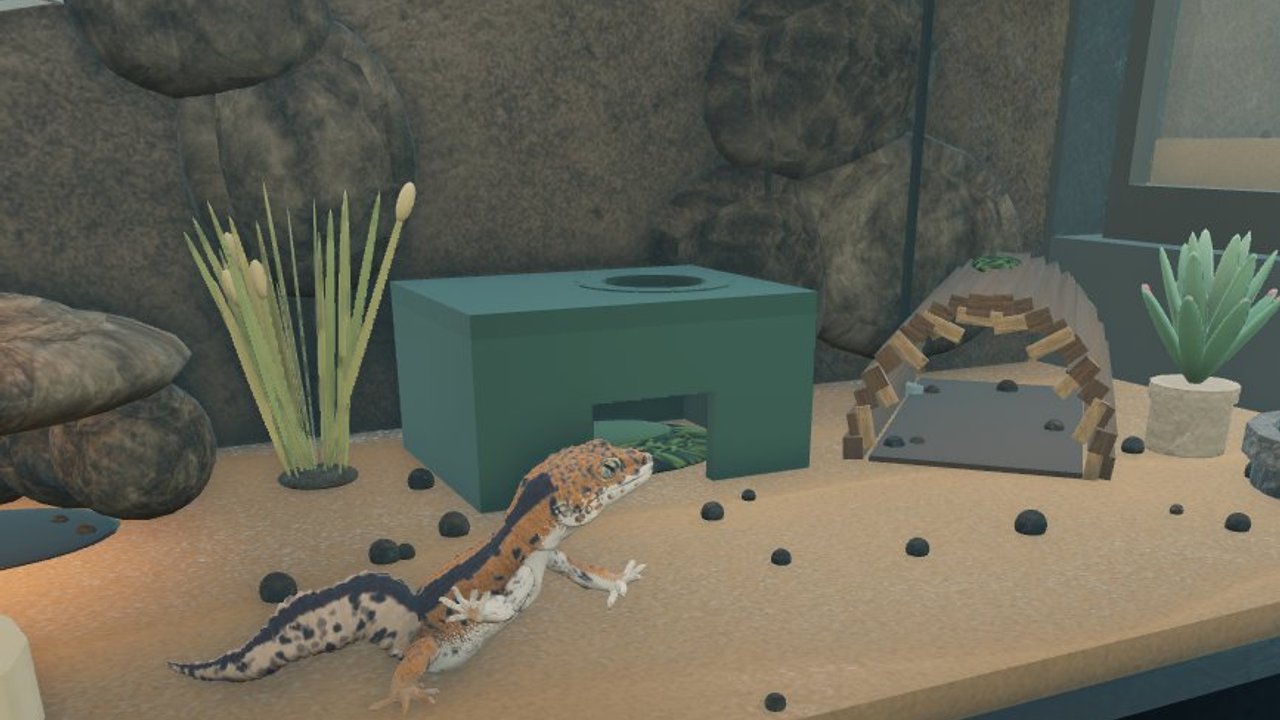
This Controls guide helps you discover how to move, look around, open shop tools, and run care loops in Hatch and Habitats by ToyTando on Roblox. The experience is free, early access / in development since roughly 18 October 2026, often branded [EXPO-EXPANSION] Hatch and Habitats, and runs on servers of up to six players. Exact on-screen labels and menu positions can shift between patches, so this page teaches a discovery process rather than a fake, frozen keybind table.
If you have not claimed a store yet, finish Getting Started first. Then return here whenever a new client (PC, phone, tablet, or console via Roblox) feels unfamiliar, or when Expo Expansion chrome moves a button you used yesterday. Pair control comfort with How to Hatch Eggs, Build Habitats, Make Money, and Expo Expansion so input skill turns into store progress.
Honest scope: Roblox-standard plus live UI
Hatch and Habitats rides the Roblox client. That means:
- Movement and camera usually follow Roblox defaults for your device (WASD-style on PC, virtual joystick / touch on mobile, controller sticks on console).
- Jump, interact, and menu openers also inherit Roblox conventions unless the experience remaps them.
- Game-specific panels—egg shop, habitat build, care prompts, décor catalog, Expo presentation tools—are ToyTando UI. Those can relocate after updates.
Because the title is early access, publishing a hard-coded spreadsheet of every key here would go stale fast. Instead, learn where to look and how to verify after each patch. Check Updates and the Changelog when something suddenly feels “broken”—often the control still exists, just under a renamed tab.
PC: keyboard, mouse, and menu habits
On desktop Roblox, expect the familiar loop:
- Move with the standard WASD-style cluster (or your Roblox remaps).
- Look / orbit with the mouse; scroll or bound keys adjust zoom depending on your Roblox settings.
- Interact with highlighted prompts when you stand near eggs, habitats, care stations, or shop props.
- Open experience menus from on-screen buttons—cash, inventory, build, shop, codes if present—rather than assuming a single universal hotkey for every panel.
PC tips that stay useful even when UI moves:
- Stand still and sweep the HUD corners after every major update. Expo Expansion often adds presentation or décor entry points without deleting the hatch loop.
- Use the mouse to hover tooltips before buying expensive eggs or floor pieces.
- Keep a second monitor or browser tab on Getting Started or the Habitat Checklist while you learn placement.
- If a prompt will not fire, walk closer, re-aim the camera at the interactable, and confirm you claimed your plot—not a neighbor’s floor on the six-player server.
Do not trust third-party “secret key” lists that promise free legendaries. Input tricks do not replace Codes honesty or real hatch volume.
Mobile: touch, thumbs, and placement patience
Mobile Roblox uses touch movement (virtual stick or tap-to-move depending on your settings) and touch camera drags. Care and build flows need slightly different habits:
- Zoom out before placing large habitats so you can see customer paths.
- Tap interact prompts deliberately; fat-finger mis-taps can open the wrong catalog tab.
- After a hatch, confirm the reptile is assigned before you swipe away—mobile disconnects can interrupt mid-prompt (How to Hatch Eggs).
- Prefer slightly larger snap grids when decorating; dense Expo booths are harder to edit on a small screen.
If the on-screen joystick overlaps a critical shop button after an update, check Roblox touch sensitivity / UI scale in client settings, then rejoin a fresh server. Control friction is often client layout, not a deleted feature.
Console: Roblox controller mapping
Console play goes through the Roblox client with a gamepad. Stick movement, camera look, and face-button interacts follow Roblox console conventions. Experience-specific menus still appear as on-screen panels you highlight with the cursor stick or button focus.
Console-friendly habits:
- Map muscle memory for interact and back / close menu before a long décor session.
- Use larger camera orbits when lining up Expo presentation sightlines (Build Habitats).
- Avoid rushing multi-step purchases—confirm egg and décor costs on the focused UI element before committing cash (Make Money).
- If text feels small, adjust your display / Roblox accessibility options rather than guessing hotkeys that do not exist.
Discovering shop, build, and care UI
Regardless of platform, run this UI discovery pass every time you return after a break:
- Cash / economy readout — know where earnings appear after care or customers.
- Inventory / eggs / reptiles — find unhatched eggs and animals waiting for homes.
- Build / décor catalog — habitats, substrate, props, lighting, Expo-themed kits.
- Care interactions — feeding, cleaning, or environmental prompts on placed animals.
- Shop / upgrade panels — expansions and egg SKUs; prices are live truth.
- Codes tab (if any) — only redeem strings verified on Codes; invent nothing.
- Expo / presentation controls — booth tools, spotlight rows, or fair-style layouts when branded content is live (Expo Expansion).
Walk your floor while opening each panel once. Muscle memory beats screenshots from last month.
Expo-era UI may move
During the Expo Expansion branding era, presentation tools can appear as new HUD chips, shop tabs, or world prompts. After Roblox records an experience update (for example the platform activity around 13 November 2026), re-run the discovery pass above even if movement keys feel identical. Camera and WASD rarely break; menu entry points do.
When something vanishes:
- Rejoin on the latest Roblox client.
- Finish any new tutorial toasts.
- Search renamed tabs (Expo, fair, booth, décor, habitats) before assuming a wipe.
- Skim Updates, Changelog, and Habitat Crew chatter, then verify yourself in-game.
Controls that support the real game loop
Good inputs only matter if they serve the loop: hatch → habitats → care → decorate shop → Expo presentation. Use controls to protect that sequence:
- Do not open the décor catalog until the newest hatch has a habitat assignment.
- Clear care prompts before nesting deep in build mode.
- Line camera sightlines toward entrance / Expo slots when placing Legendary Ball Python or Mystic Gecko showpieces—community names players already discuss, not invented morphs.
- On crowded six-player servers, keep movement polite near neighbors’ pads (Players etiquette lives with the wider wiki).
Troubleshooting “controls feel wrong”
| Symptom | What to try |
|---|---|
| Cannot move | Click/tap into the game window; check Roblox shift-lock / touch controls; rejoin |
| Interact prompt missing | Move closer, re-aim camera, confirm plot ownership |
| Build menu gone | Sweep HUD after update; check Expo/décor renames; see Changelog |
| Care will not fire | Assign reptile to habitat first; clear overlapping menus |
| Mobile mis-taps | Zoom out, slow taps, adjust touch UI scale |
| Console focus lost | Close stacked menus with back, re-open one panel at a time |
Still stuck? Return to Getting Started for the day-one sequence, then use the Habitat Checklist so control practice coincides with real enclosure goals.
Related reading
- Guides Hub — full how-to map
- Getting Started — claim, first hatch, first habitat
- How to Hatch Eggs — egg flow after you can open shop UI
- Build Habitats — placement and presentation craft
- Make Money — spend priority once menus feel natural
- Expo Expansion — presentation-era feature context
- Codes — honest redemption status
- Updates / Changelog — what moved recently
- Habitat Checklist — practical enclosure pass
- Official Links — Roblox experience and creator destinations
Master discovery, not memorized mythic keycharts. When Expo UI shifts again, the same sweep of HUD corners, interact prompts, and care panels will put you back in control of the store.
Frequently Asked Questions
Quick answers about hatching, habitats, and your store.
What are the exact keybinds for Hatch and Habitats?
Movement and camera follow Roblox defaults for your device (WASD-style on PC, touch on mobile, controller on console). Game menus are on-screen and can move in early access—learn discovery, not a frozen fake key table.
Does Expo Expansion change controls?
Core Roblox movement rarely changes. Expo-era updates more often add or relocate shop, décor, and presentation buttons. Re-sweep the HUD after patches and check the Changelog hub.
Can I play Hatch and Habitats on mobile and console?
Yes. It is free on Roblox across PC, mobile, and console via the Roblox client. Use touch or gamepad conventions, then map the same shop, care, and habitat panels.
Why will my interact or care prompt not open?
Move closer, aim at the object, confirm you claimed your own plot, and close overlapping menus. Assign reptiles to habitats before expecting care actions to fire.
Where should I go after learning the UI?
Follow Getting Started if you are new, then How to Hatch, Build Habitats, Make Money, and Expo Expansion. Use Updates and Codes for patch and reward checks.